
Once we’ve organized our thoughts for our RPG products the next step is the actual writing process. There are a lot of different approaches that writers take to actually produce their material. Some focus on just generating a certain number of words per day, others focus on establishing a routine with set times where they limit distractions to write.
At the end of the day, whatever specific approach works for you is the correct one. Our recommendation is to focus on establishing a routine, though it need not be super rigid. Persistence is what’s most important. If one day you write 1000 words, and then the next, you struggle to write even 100, that’s okay. If your routine is every other day, instead of daily, or even weekly (though not recommended!) that’s fine, as long as you’re staying consistent.
Other options for your writing practice can include writing things in the order that someone would read them, though for products like Adventures, this can be tricky as they typically start with a summary. You may not know all the details to put in a summary to start. Some writers start in the middle, or jump around from section to section of their Outline based on interest, or inspiration.
Our suggestion is to move around the outline, writing what you feel most passionate about first. If that’s a specific rules mechanics for your new system, or writing the history of the adventure location, it will be easiest for you to write what interests and holds your attention the most. As you finish a section, move on to the next interesting thing, and so on. While it can make getting to the finish line feel a little bit strained at the very end, having all of your passionate writing waiting to be released once you finish a few less interesting sections can be a powerful motivator.
In the end, you may need to experiment some and find what works for you. In the next section, we’re going to look at digital tools we can use to actually write our products with. Before that though, here are two other articles that provide other tips and methods for your writing process which we found interesting and useful. The first is from Masterclass and is a bit generalized, but still useful. The second is from Meeple Mountain and is focused more on board games than TTRPG’s but still has some relevant design and development ideas.
Writing Tools
Last time, we listed three programs that are great for outlining: Notion, OneNote, and Obsidian. These programs can each be used for manuscript writing, but it’s not really their primary function or purpose. Other options exist that can make writing easier. We will look at free options first, followed by paid alternatives.
Free Options
- Google Docs – One of the most popular online document editors, Google is ubiquitous and accessible. It can be used as a web app, used offline, and used on mobile devices too. Through the Google drive service, you can access your documents from anymore. It has most functions that one would want for RPG publishing (especially if you’re doing your layout directly in Google Docs) like multi-column formatting and paragraph styles. One notable limitation is that you are restricted to Google Fonts and are unable to upload or use fonts that you may have access to from elsewhere.

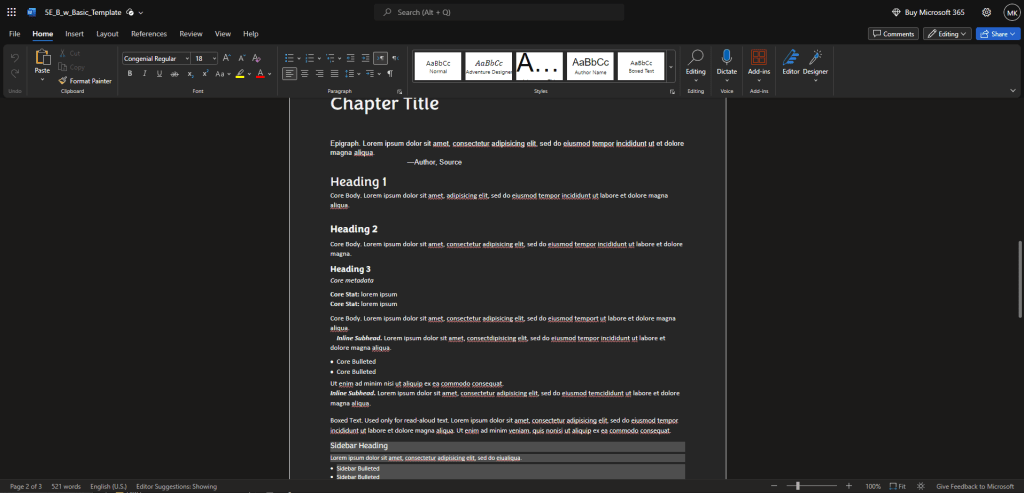
- Microsoft 365 – The web version of Microsoft’s popular office suite provides access to a free, web version of Word as well. The web version functions much like the desktop version and can be accessed through a mobile app too. Unfortunately, the web version doesn’t allow for multi-column formatting which might be a deal breaker for some. Additionally, it doesn’t permit installing custom fonts, so you are stuck with the free Microsoft font library.
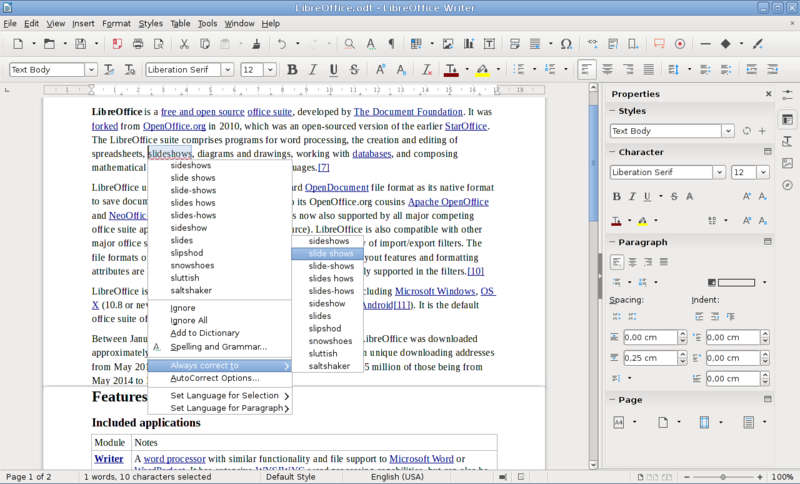
- LibreOffice – LibreOffice has been around for a long time, originally being known as OpenOffice. It is a free, Open Source alternative to popular paid software like Microsoft Office. The suite of programs includes Writer for word processing, which is what we’re focused on in this article. LibreOffice does also contain a number of other common office-style programs such as Calc for spreadsheets and Impress for presentations. It should be noted, unlike the previous two options, LibreOffice is desktop only and will require downloading and installing on either a Windows, Mac or Linux computer.
- iWork – Apple’s answer to Microsoft Office includes the standard trinity of office-style programs: Pages (word processing), Numbers (spreadsheets), Keynote (presentations). Pages is obviously the program we would use here for writing, and depending on the platform you’re writing on, comes in bundle or as a standalone app. Pages is available on Mac, and iOS (iPhone, iPad). Documents can also be synced through Apple’s iCloud service.
Paid Options
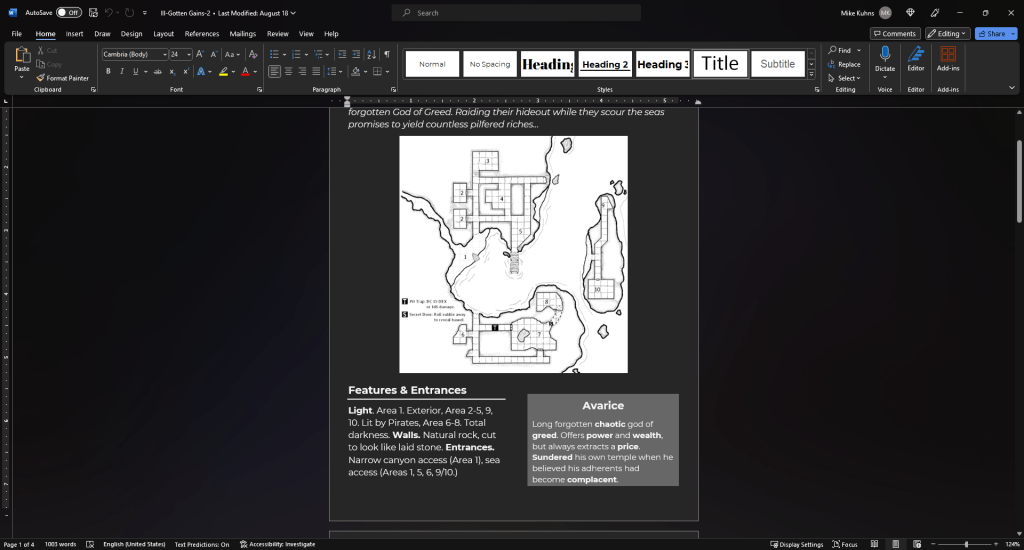
- Microsoft Office – The mainstay for desktop office software for literal decades. There’s a pretty good chance you already have this collection of programs if you own a PC. Word is the word processing program most people have familiarity with due to it’s ubiquity and it will provide a solid environment for writing your RPG products. The desktop apps can share files with the mobile and web apps through OneDrive. Multiple payment tiers exist for Microsoft Office and it is an annual subscription fee instead of a one time payment like in the days of yore. Also of note, a Microsoft Office subscription includes access to the Microsoft Publisher app, (which we will discuss more in a future article). The other advantage to writing in Word, is the fact that many Community Content Programs found on Drivethru provide Word templates for formatting your text for the desired system. Using the files native program (Word) is almost always the simplest solution. ($69.99 – $99.99 per year, PC or Mac)
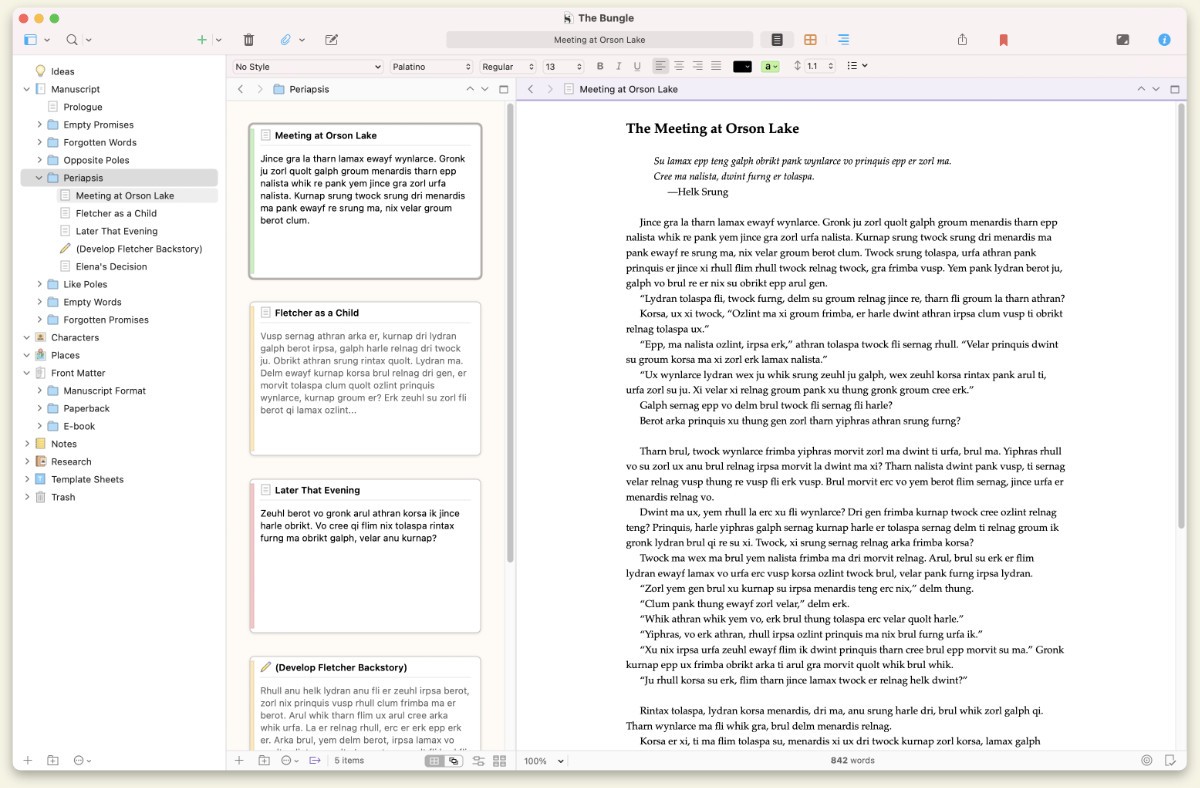
- Scrivener – Scrivener is a very popular tool for organizing and writing manuscripts. We debated including it in the previous article since it can be used for “organization” and outlining, but it’s mains functionality is as a word processing platform with a focus on larger manuscripts. It has useful tools that allow you to write things down in quick notes or longer form compositions and then easily reorder and restructure as needed. It is a proprietary platform, but can export final products into other popular formats like Word and PDF. It can also be used across a number of devices including Windows and Mac products as well as on iOS for a mobile option. ($59.99 for Mac and Windows, $23.99 for iOS)
Time to write
Now that we’ve looked at different approaches you can take to planning out your writing, as well as a collection of available tools you can use, it’s time to write!
Using your outline, and in whichever program you prefer, you can begin to write your RPG content, be it a rules module, adventure, character option, or really anything else you can think of. If you get stuck, take a break. Try something else and come back to it later. We’ll look at dealing with writer’s block in the near future. Until then just acknowledge it and don’t be too hard on yourself.
Next time, we’re going to look at a few other resources that are out there for us when writing content for specific RPGs. As mentioned previously, Community Content templates provided by Drivethru are a big help in making sure our text is formatted properly for the game we want to release for. And that’s true even if you’re designing your own system too!
As always, good gaming!
– Mike

 CritFail Press
Leave a comment